9 Voice to Text Apps
The best AI dictation apps for turning speech into clean text anywhere you type.
Updated Aug 2026
Voice to text apps let you talk instead of type, dropping formatted text straight into any app on your Mac, PC, or phone. The current wave adds an AI cleanup pass that fixes grammar, strips filler, and reshapes what you said to fit the moment, whether that is an email, a Slack message, or a legal note. This guide covers dictation apps specifically. For transcribing recordings or meetings, see our transcription and meeting notetaker guides. Free tiers and prices below are a snapshot, so confirm on each site before you buy.
The apps below are the ones you actually install and talk into. For developers building speech recognition into their own products, see our Speech to Text APIs guide.
 Wispr Flow
Wispr Flow is a system-wide dictation app that types clean, formatted text wherever your cursor is. You hit a hotkey, talk, and it strips the filler, adds punctuation and paragraph breaks, and even fixes mid-sentence corrections, so "let's meet at 5, actually 6pm" comes out as "Let's meet at 6pm." It runs on macOS, Windows, iPhone, and Android and works in any text field, from Gmail and Slack to terminals, code editors, and ChatGPT.
It is a cloud pipeline (transcription plus an LLM cleanup pass) rather than an on-device model, so the free tier caps you around 2,000 words a week and Pro is $15 a month. It covers 100+ languages, learns your vocabulary over time, and offers Formal, Casual, and Very casual tone controls. On compliance it holds SOC 2 Type II, HIPAA, and ISO 27001, with a Privacy Mode that keeps your dictation out of model training. The one real catch: it is cloud-only, with no offline mode.
Free; Pro $15/mo · dictation · cross-platform
 Superwhisper
If keeping audio on your own machine is the priority, Superwhisper is built for it. On Apple Silicon it transcribes fully offline with local Whisper models, then hands the raw text to a language model of your choice to clean up and reformat. That second step is the unusual part: you pick the brain.
- Transcription: local Whisper (offline) or cloud, your call.
- Cleanup model: GPT-5, Claude, Llama, Grok, Gemini, or Mistral, or bring your own key.
- Modes: Formal, Casual, Legal, Chat, and fully custom, each reshaping tone and layout.
It also handles file transcription and meeting recording, runs on Windows and iPhone, and covers 100+ languages. Pricing is a free tier, Pro at around $8/month, or a one-time Lifetime license. The catch: the fast, fully-local experience is really an Apple Silicon story, since Intel Macs lean on the cloud, and juggling model options adds a little setup.
Free; Pro ~$8/mo; Lifetime one-time · dictation · on-device · apple-silicon
 Aqua Voice
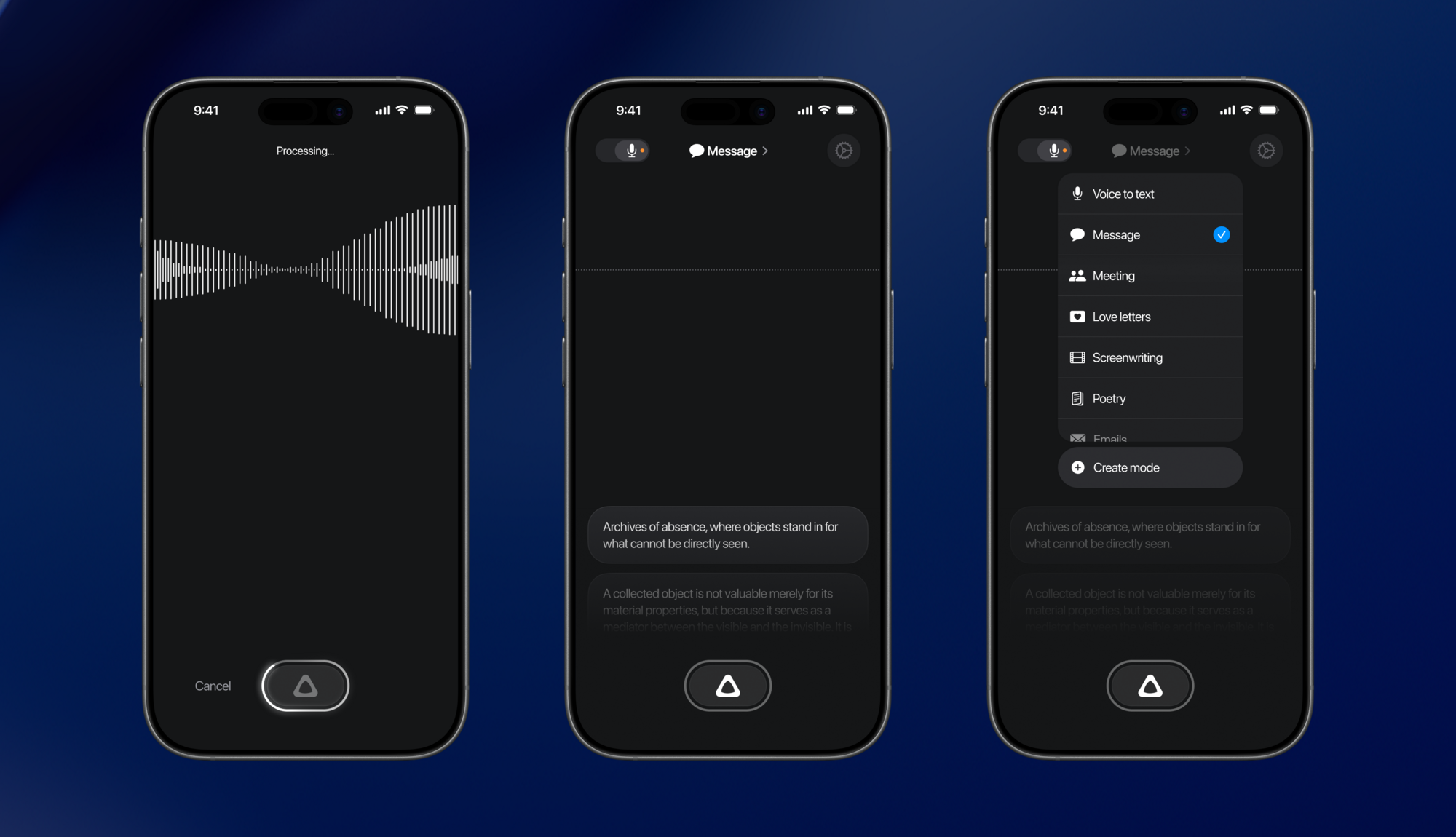
Aqua Voice leads with a number: it says its own Avalon model hit 97.3% accuracy on the AISpeak benchmark (Aqua's own test), and it is tuned for people dictating code-adjacent text. "Your screen is its dictionary," so it reads on-screen context and gets terms like kubectl, PyTorch, and GPT-4o right where generic dictation fumbles. It runs on Mac, iPhone, and the web, refining grammar in real time as you speak.
| Tier | Price | What you get |
|---|---|---|
| Starter | Free | 1,000 words, Aqua Engine |
| Pro | $8/mo | Unlimited words, Avalon model |
| Max | $24/mo | Realtime mode + voice commands |
The tradeoffs: it covers 49 languages, fewer than the 100+ rivals advertise, there is no Windows or Android app, and processing is cloud based unless you switch on Privacy Mode. Best for developers and technical writers who want their jargon nailed on the first pass.
Free (1k words); Pro $8/mo; Max $24/mo · dictation · hybrid · developer
 Willow Voice
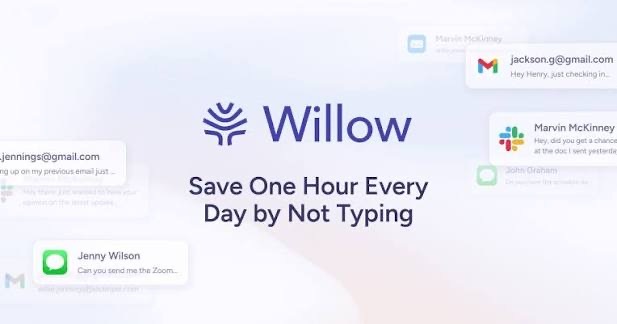
Willow is the pick here if you move between a Mac, a Windows PC, and an iPhone all day and want the same polished dictation on each. You hold a hotkey, talk, and it drops cleaned-up, formatted text into whatever field you are in, Slack, Gmail, Notion, Cursor, learning your names and jargon as it goes. It runs its own Frontier models in the cloud, with an offline mode when you need it, and claims roughly three times the accuracy of built-in dictation across 100+ languages (its own numbers).
The pricing is simple: a free tier capped near 2,000 words a week, then Pro at $15/month ($12 billed annually) for the better Frontier Pro model and unlimited use. One thing to know before committing: the strongest privacy guarantees, enforced zero data retention plus HIPAA, sit on the $35/month Business plan, not the individual tiers. For most people Pro is the sweet spot.
Free (~2k words/wk); Pro $15/mo; Business $35/mo · dictation · cross-platform · hybrid
 VoiceInk
VoiceInk is the open-source option, and the one you buy once. It lives on GitHub under GPL v3, transcribes entirely on your Mac's Neural Engine using whisper.cpp and Parakeet, and never sends audio anywhere. An optional cloud step can tidy the text, but it only ever sees the transcript, not your voice. If you would rather, you can compile it yourself for free.
Paid builds are a one-time $29 for one device, $49 for two, or $69 for three, with lifetime updates and no subscription. It is Apple Silicon only (macOS 14.4+, 8GB RAM) with a separate iOS app, so no Windows, Linux, or Intel Macs. Best for privacy-first Mac users who want fast offline dictation, own their tool outright, and like that the code is auditable.
Open source · One-time $29 to $69, no subscription · dictation · on-device · open-source
 MacWhisper
MacWhisper is less a dictation tool than a transcription workhorse. Its job is turning recordings and meetings into text, and it does that locally with Whisper so files never have to leave the Mac. Drop in audio or video and it transcribes; join a call and it records and transcribes without a bot sitting in the meeting.
- Records Zoom, Teams, Webex, Skype, Chime, and Discord, no bot required.
- Speaker recognition, plus a podcast mode that exports one file per speaker.
- Batch-transcribe many files at once; export to Markdown, PDF, HTML, or Word.
- Automate into Notion, Obsidian, Zapier, n8n, and Make, or drive it from the CLI.
It covers 100+ languages and can optionally call OpenAI, Anthropic, or Google for AI cleanup. Pricing is a genuine free tier plus a €64 one-time Pro license with lifetime updates. Mac only, and the power features are all in Pro. Buy from Gumroad or the App Store, since clone scam sites exist.
Free; Pro €64 one-time · transcription · on-device · meetings
 Spokenly
Spokenly's whole idea is that you choose the engine. Run free local Whisper or Parakeet models fully offline, plug in your own API key for OpenAI, Deepgram, Groq, Anthropic, or Google, or pay for managed cloud transcription. A Local Only Mode hard-blocks every network request when privacy matters most. It is also one of the few genuinely four-platform tools in this list: Mac, iPhone, Windows, and Linux.
For developers it adds voice-controlled Mac automation and an MCP server, so agents like Claude Code and Cursor can drive it. Local dictation is free with your own keys; managed Pro is $9.99/month across Mac and iPhone. Best for people who want to decide exactly how their speech gets processed rather than accept one vendor's pipeline.
Free (local, BYO key); Pro $9.99/mo · dictation · hybrid · cross-platform
 Monologue
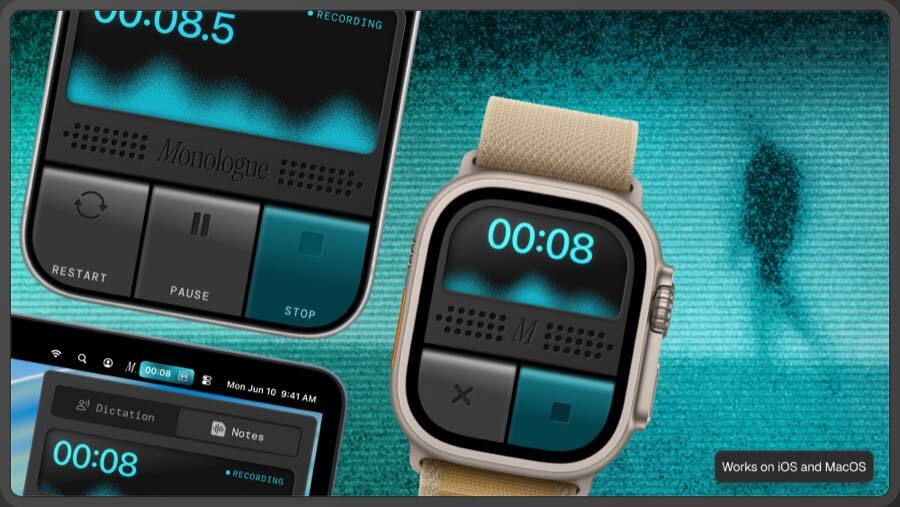
Monologue rolls three things into one Apple-only app: system-wide dictation, transcribed voice notes, and bot-free meeting capture that records both mic and system audio on the Mac. It runs on Mac, iPhone, iPad, and even Apple Watch, and its formatting adapts to where the text lands, casual in Slack, buttoned-up in email, technical in a code editor. Saved notes are reachable by AI agents through MCP, API, and CLI.
Transcription can run offline on the Mac, while cloud dictation goes through third-party providers with zero data retention. It is a free trial (1,000 words, 10 notes) then $15/month or $144/year. The limits are the obvious ones: Apple ecosystem only, and smart formatting needs an internet connection even though raw transcription does not.
Free trial; Pro $15/mo or $144/yr · dictation · hybrid · meetings
 Typeless
Typeless bets on cleanup over raw speed. You talk loosely and it does the editing: strips fillers, untangles mid-sentence changes of mind, kills repetition, and formats lists, then matches its tone to the app you are in. Everything runs on-device with local-only history and no training on your dictation, and it works across all four platforms, Mac, Windows, iOS, and Android.
Worth knowing before you pick it: the free tier is capped at 8,000 words a week, and Pro is a steep $30/month unless you commit annually, which drops it to $12/month. Best for people who want the final text to read clean, not just land fast.
Free (8k words/wk); Pro $30/mo or $12/mo yearly · dictation · on-device · cross-platform